
Ready-made Notion templatesfor school, money and life.
Duplicate in one click. Works on the free Notion plan and on your phone. Pay once — from $22.99.
- Instant access
- Mobile friendly
- Lifetime updates
- Free Notion plan
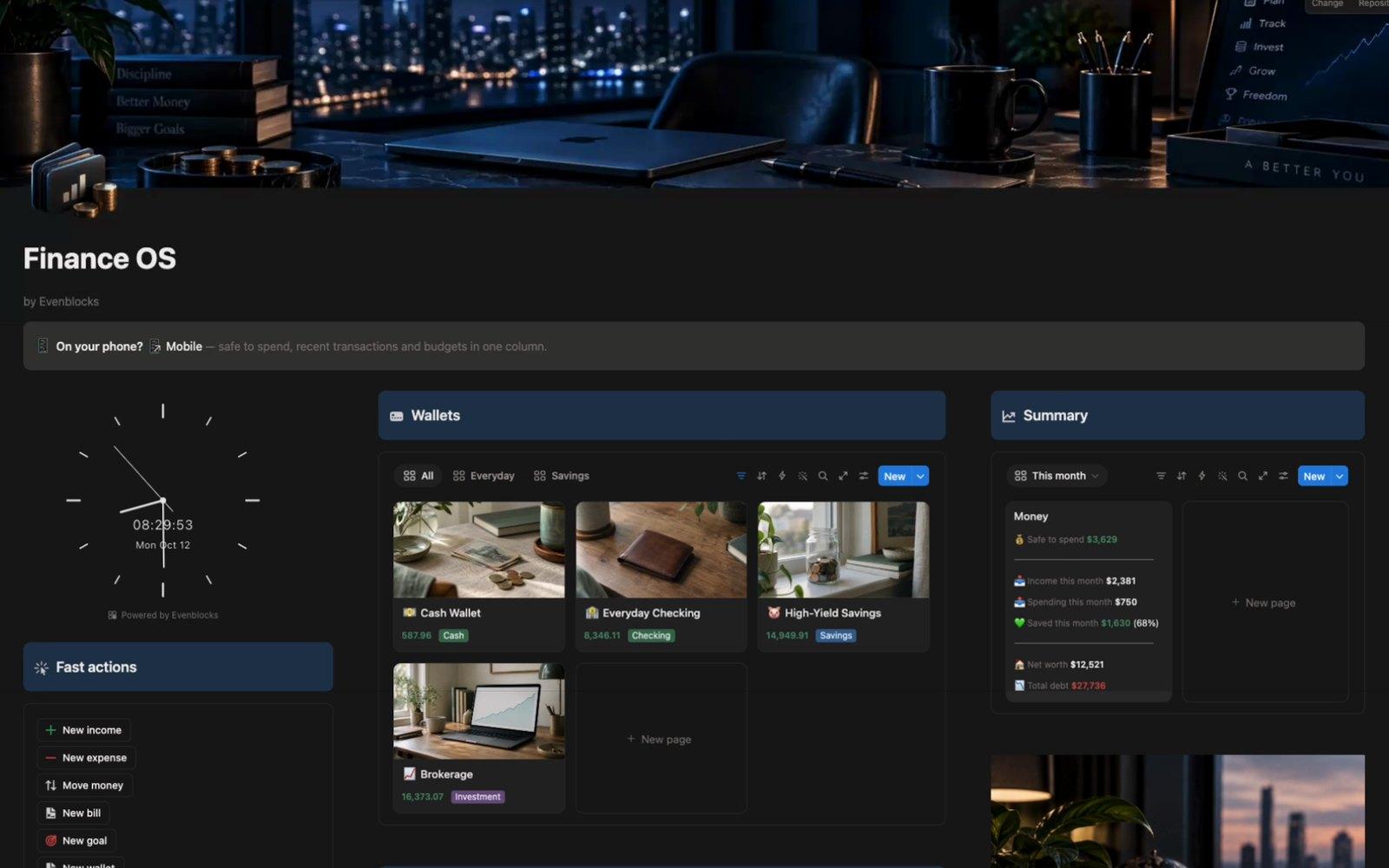
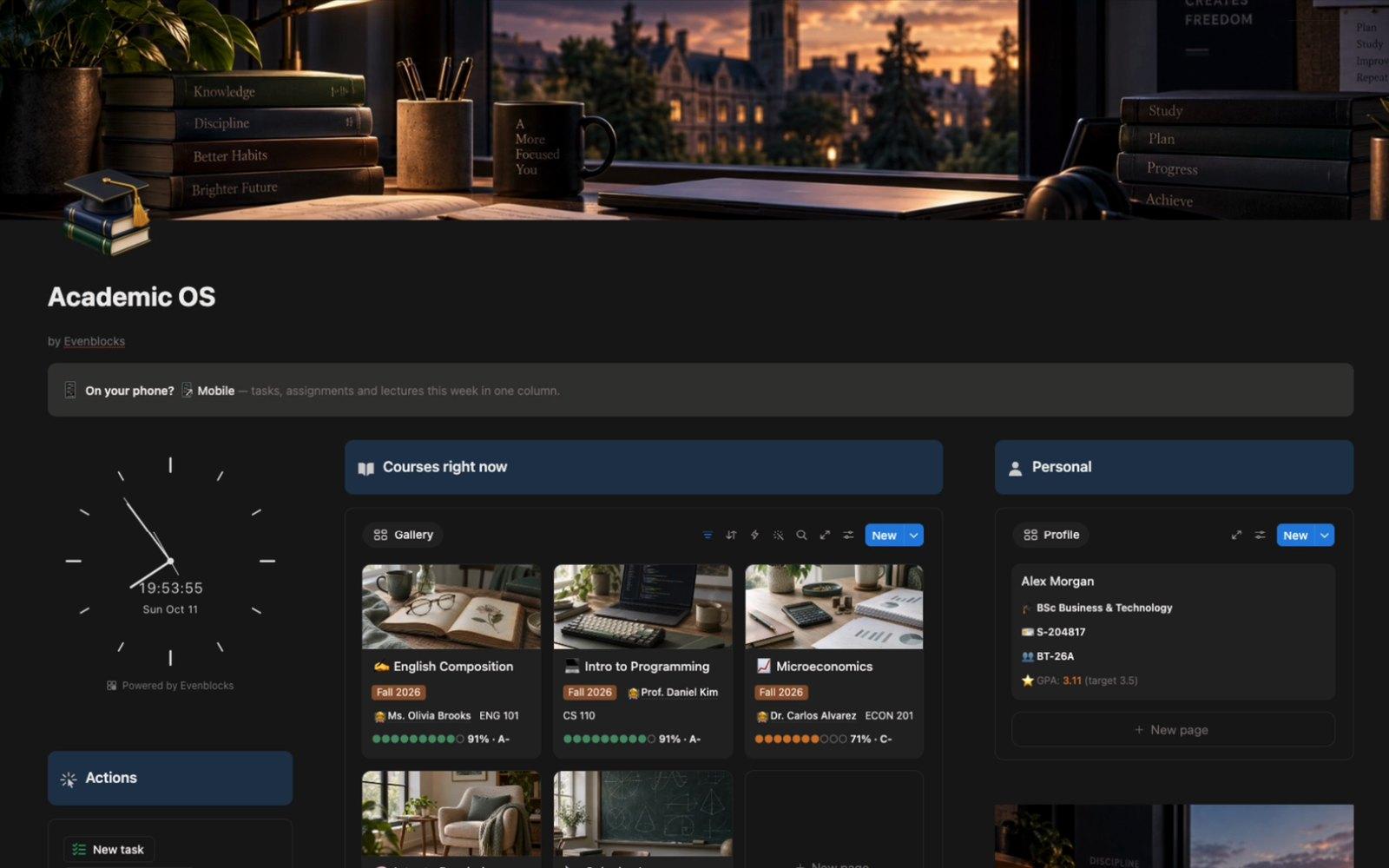
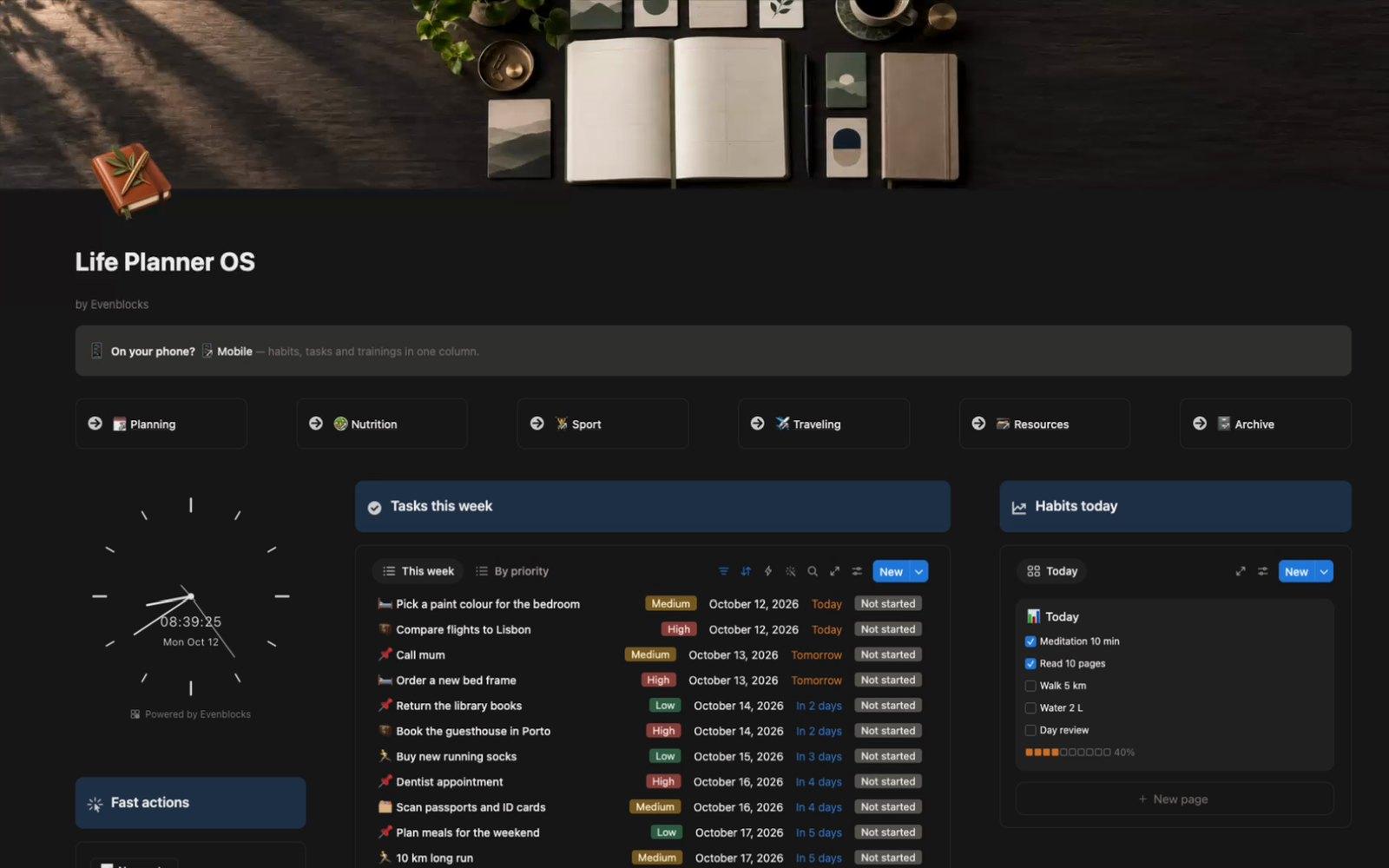
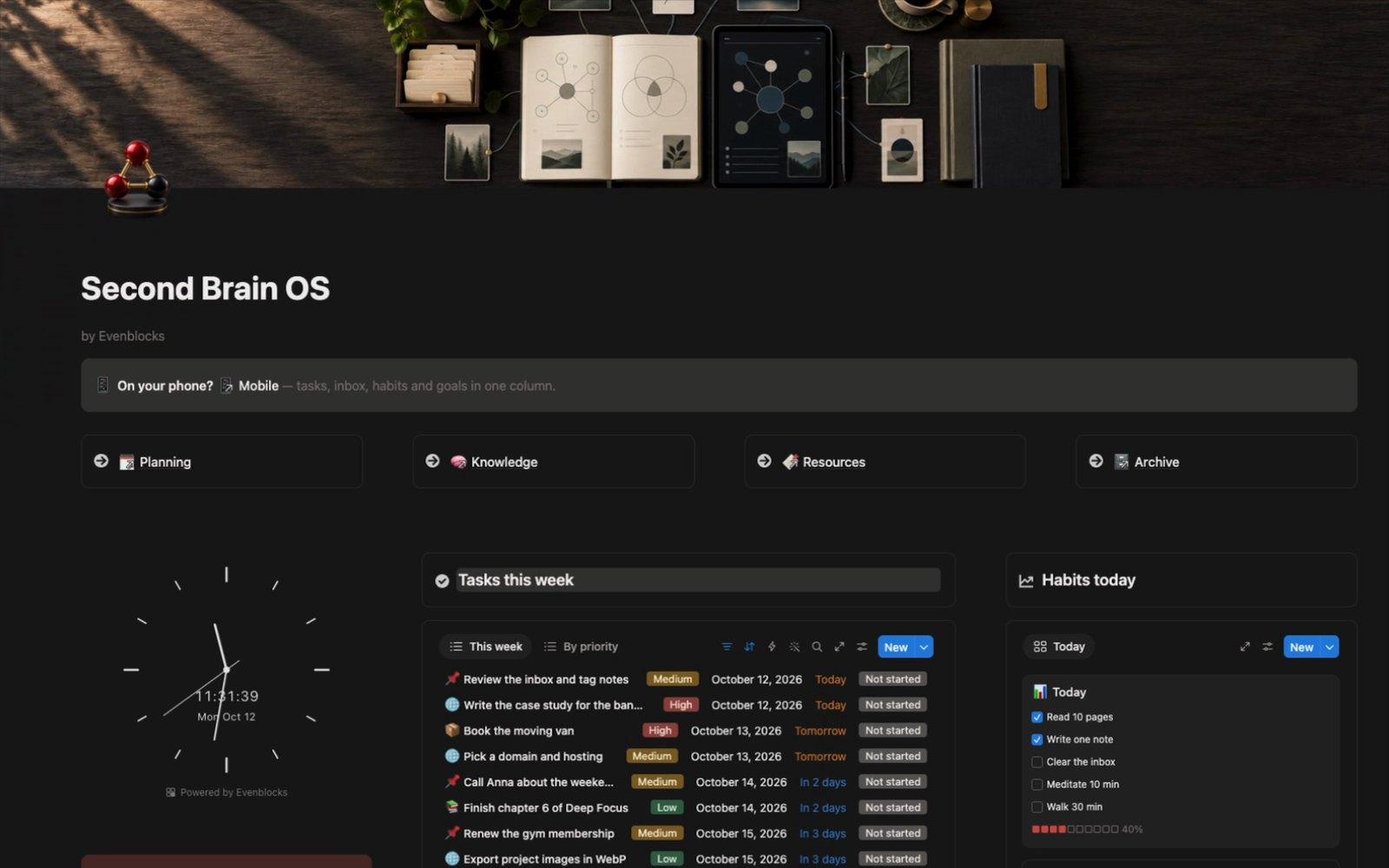
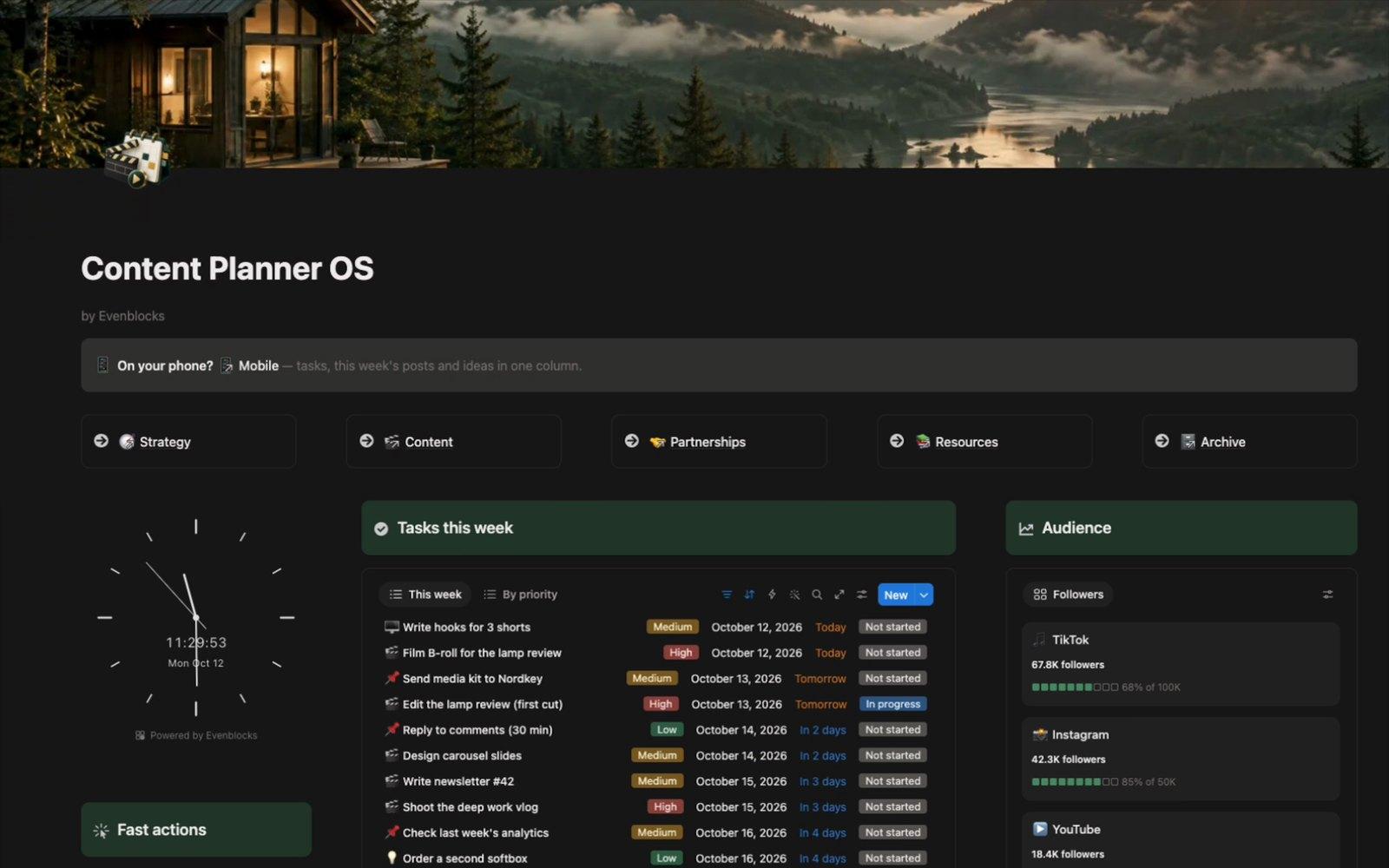
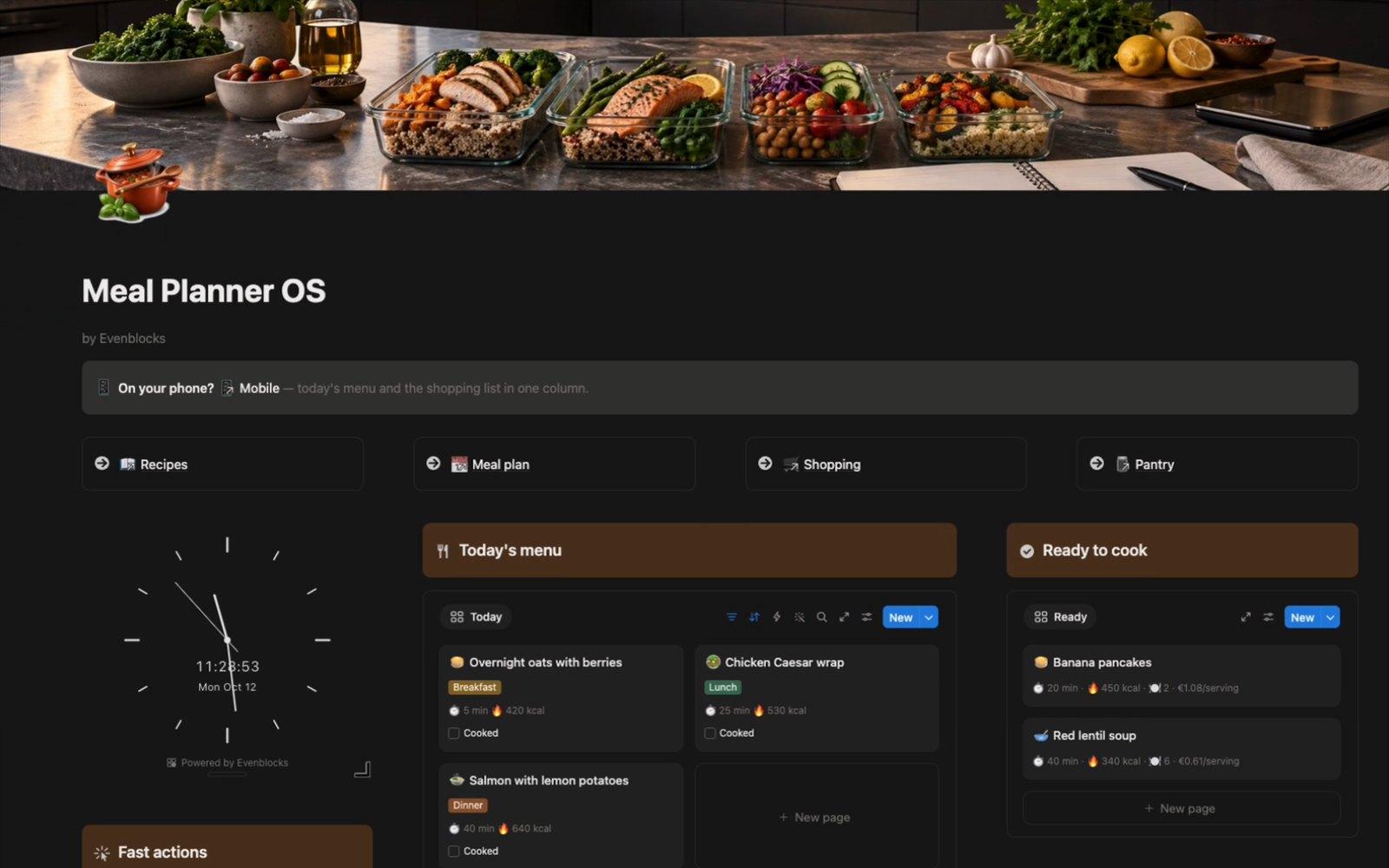
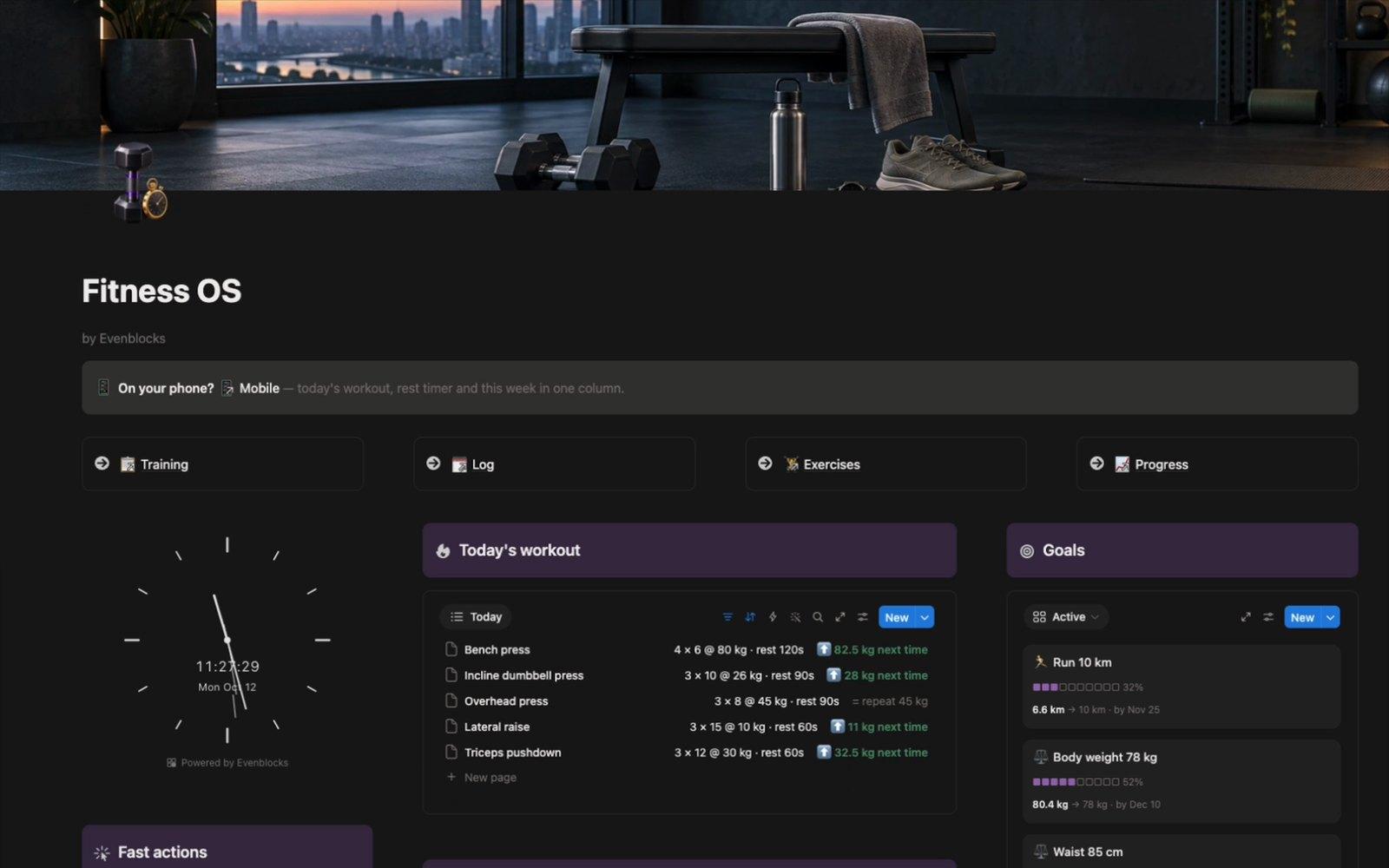
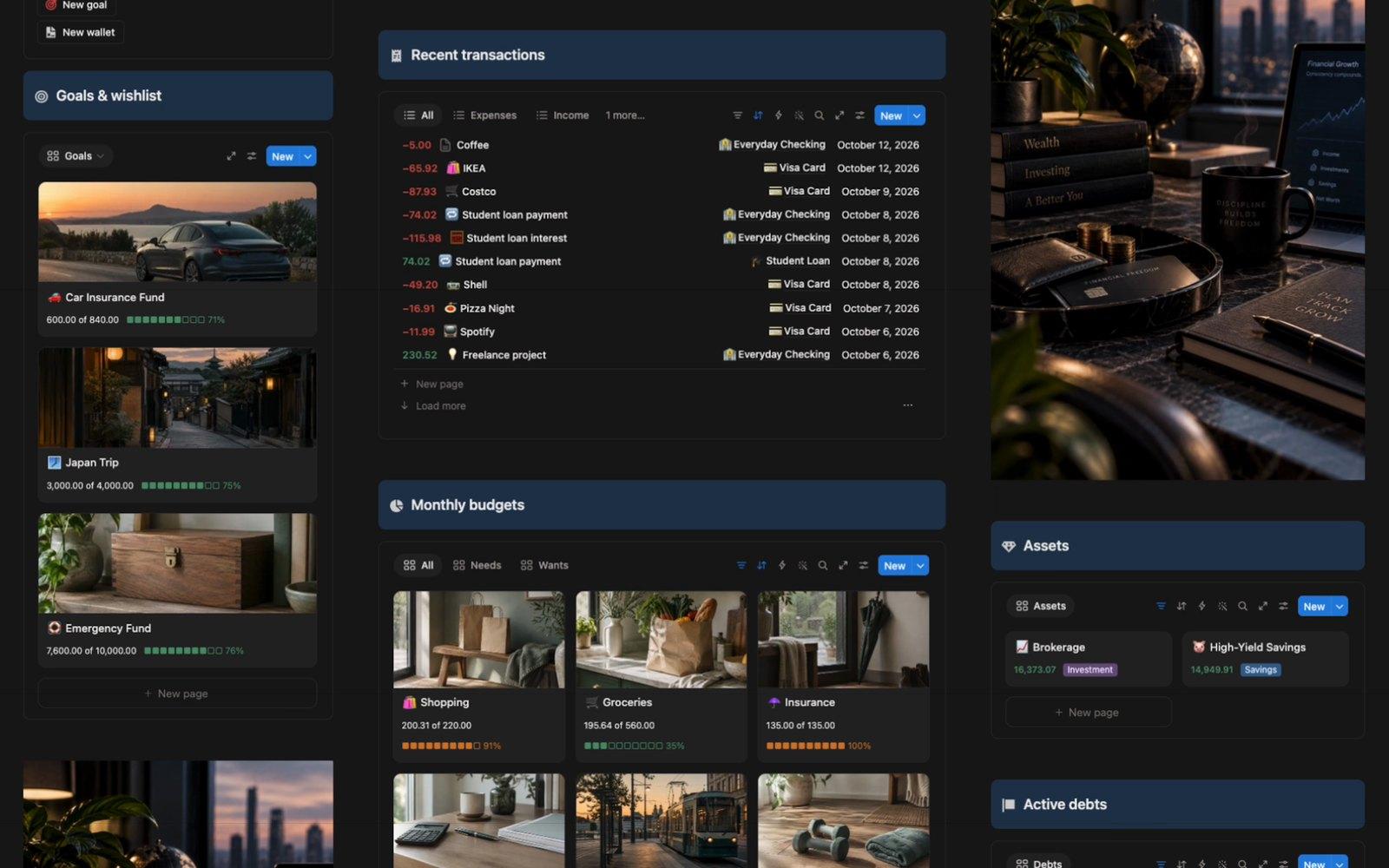
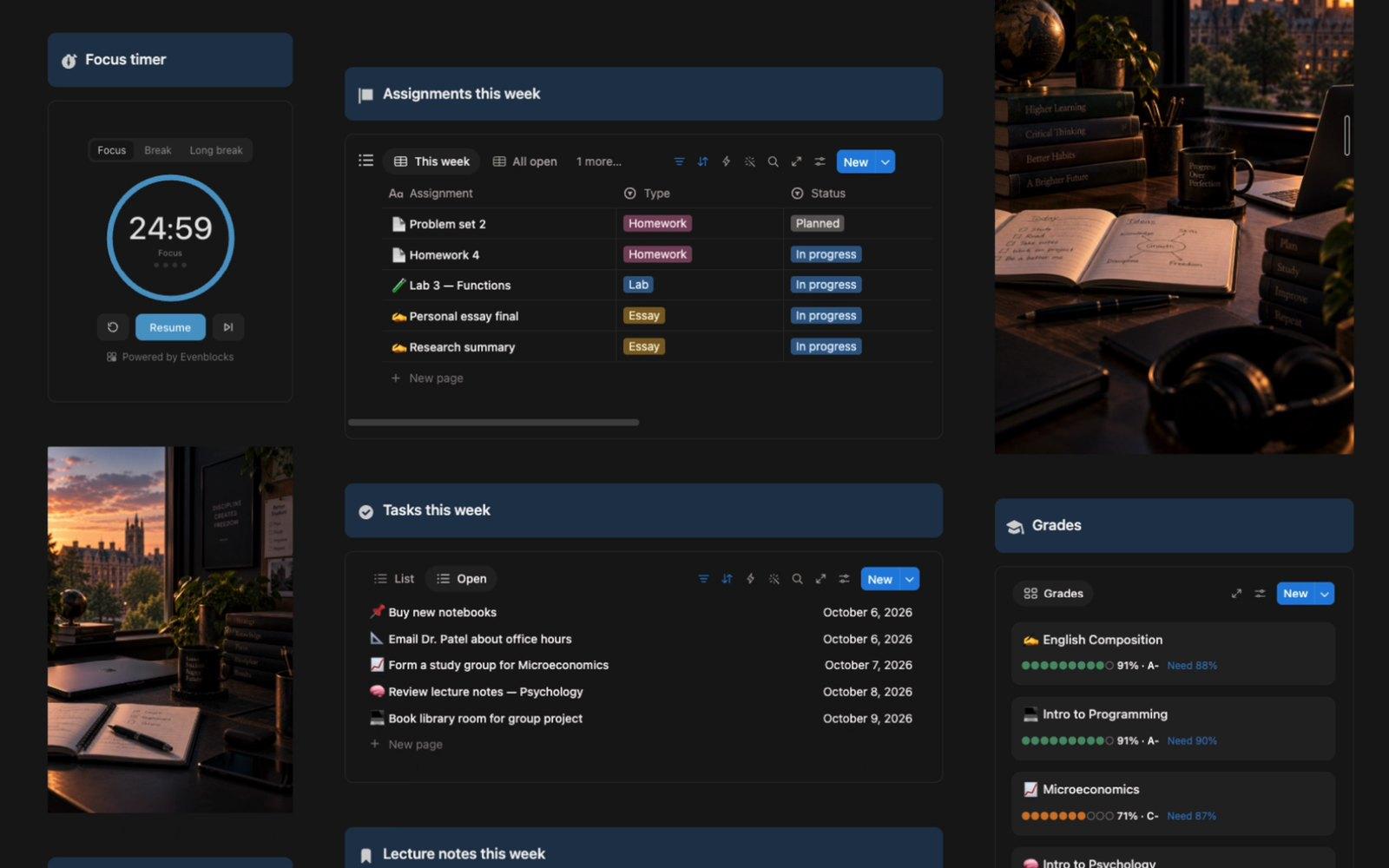
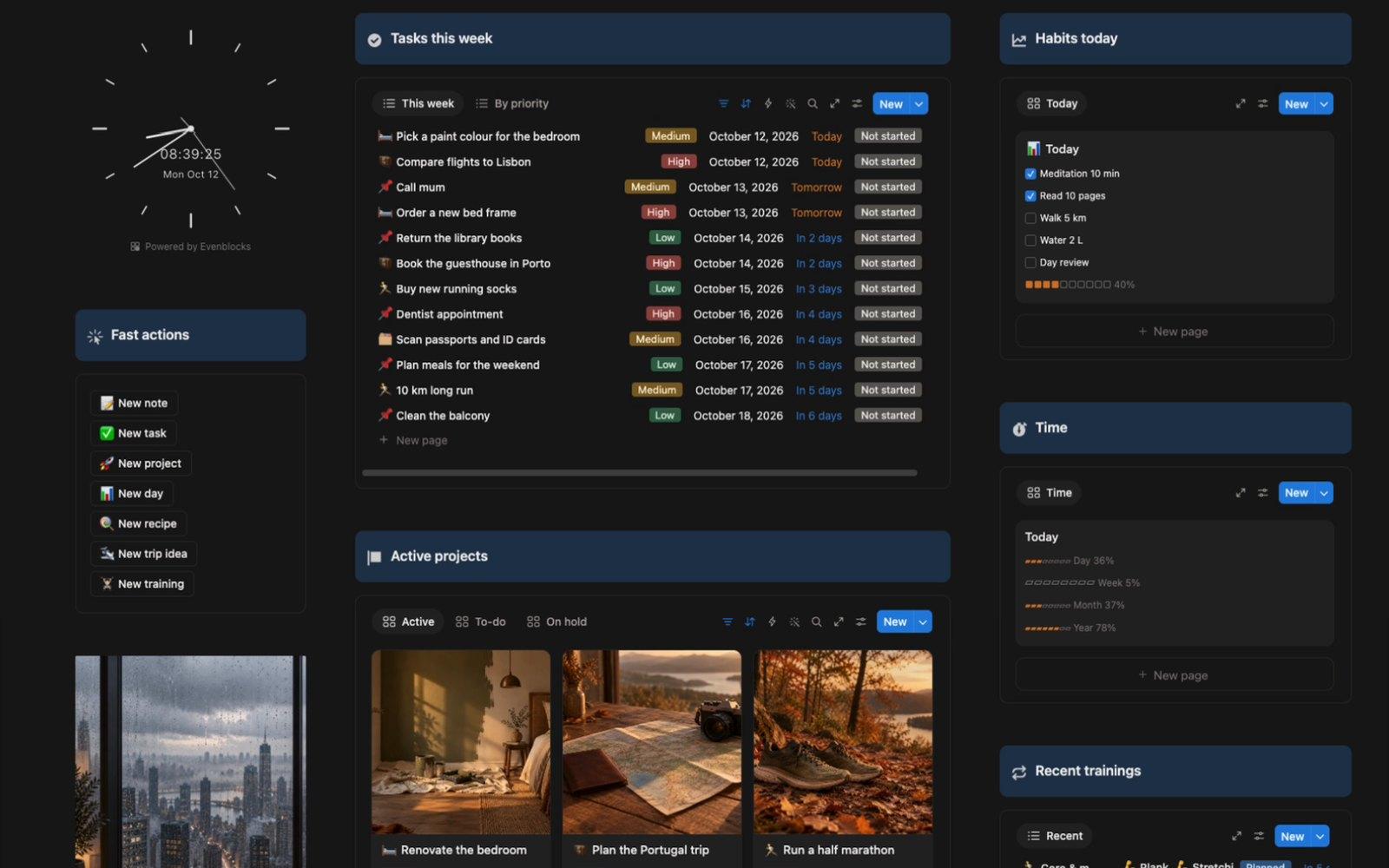
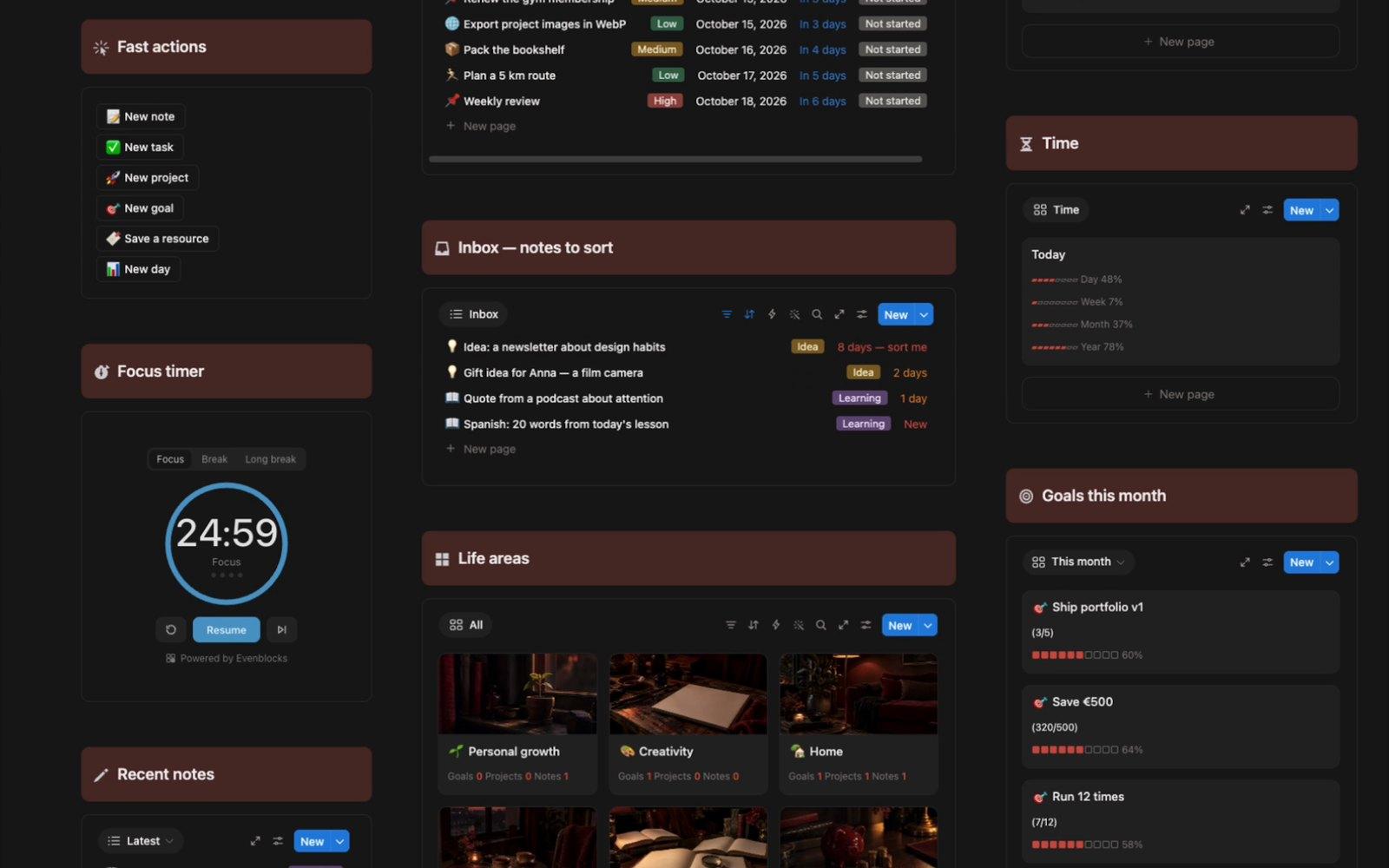
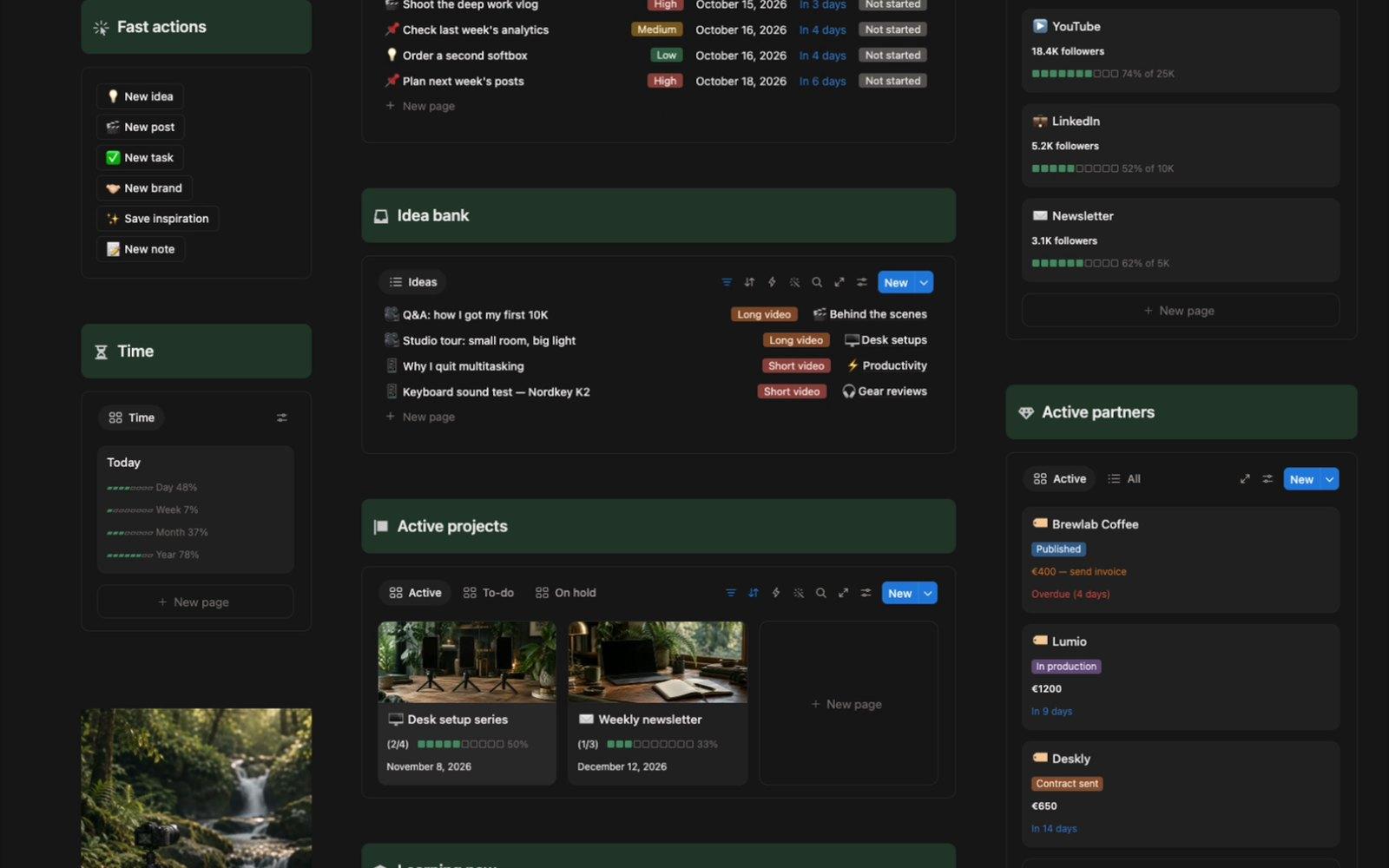
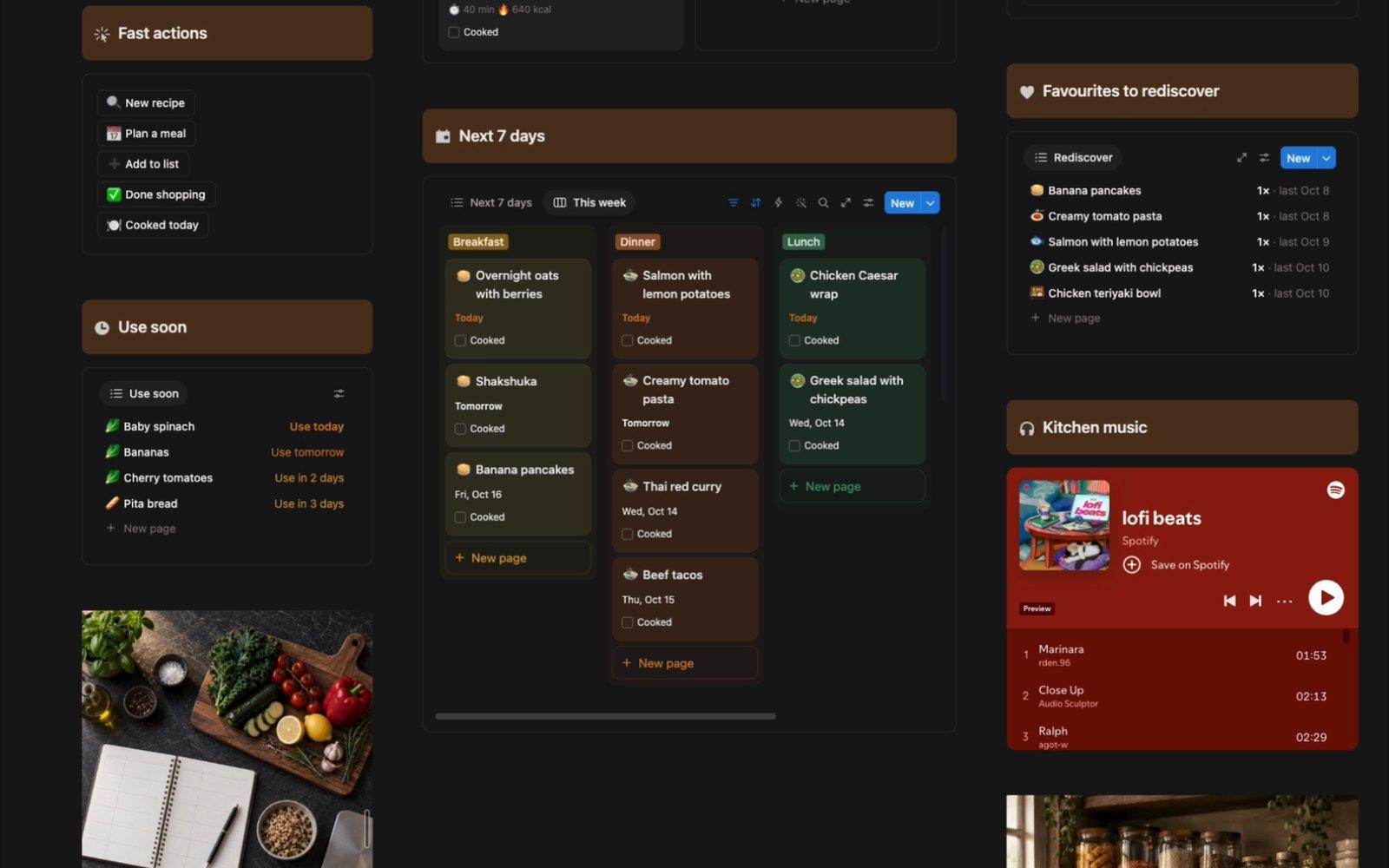
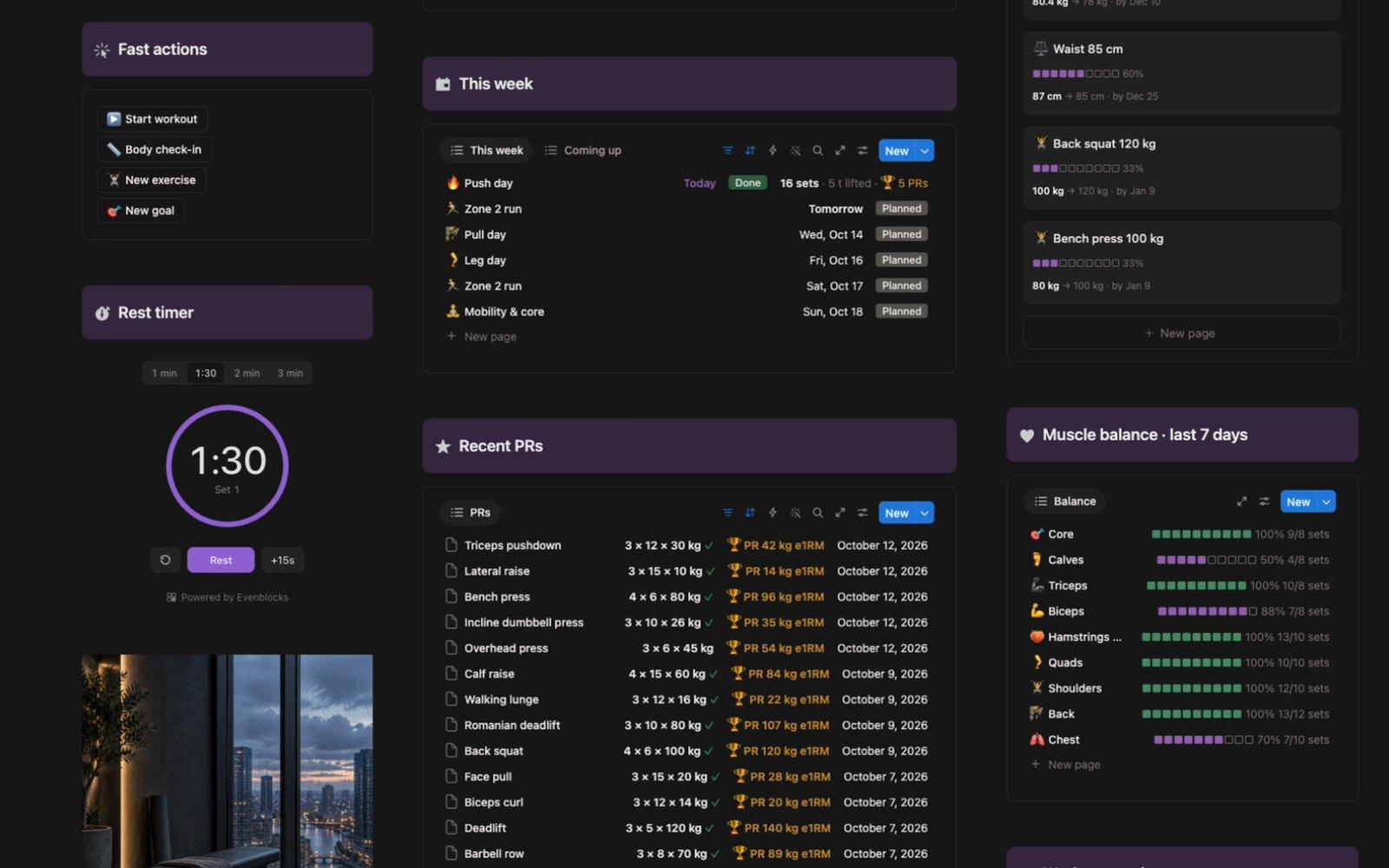
Mobile
On your phone: everything you need on the go, in one column.
Tasks this week
Assignments this week
Lecture notes this week
Grades
Our templates
Everything you need in one place. Pick a template and make it yours.




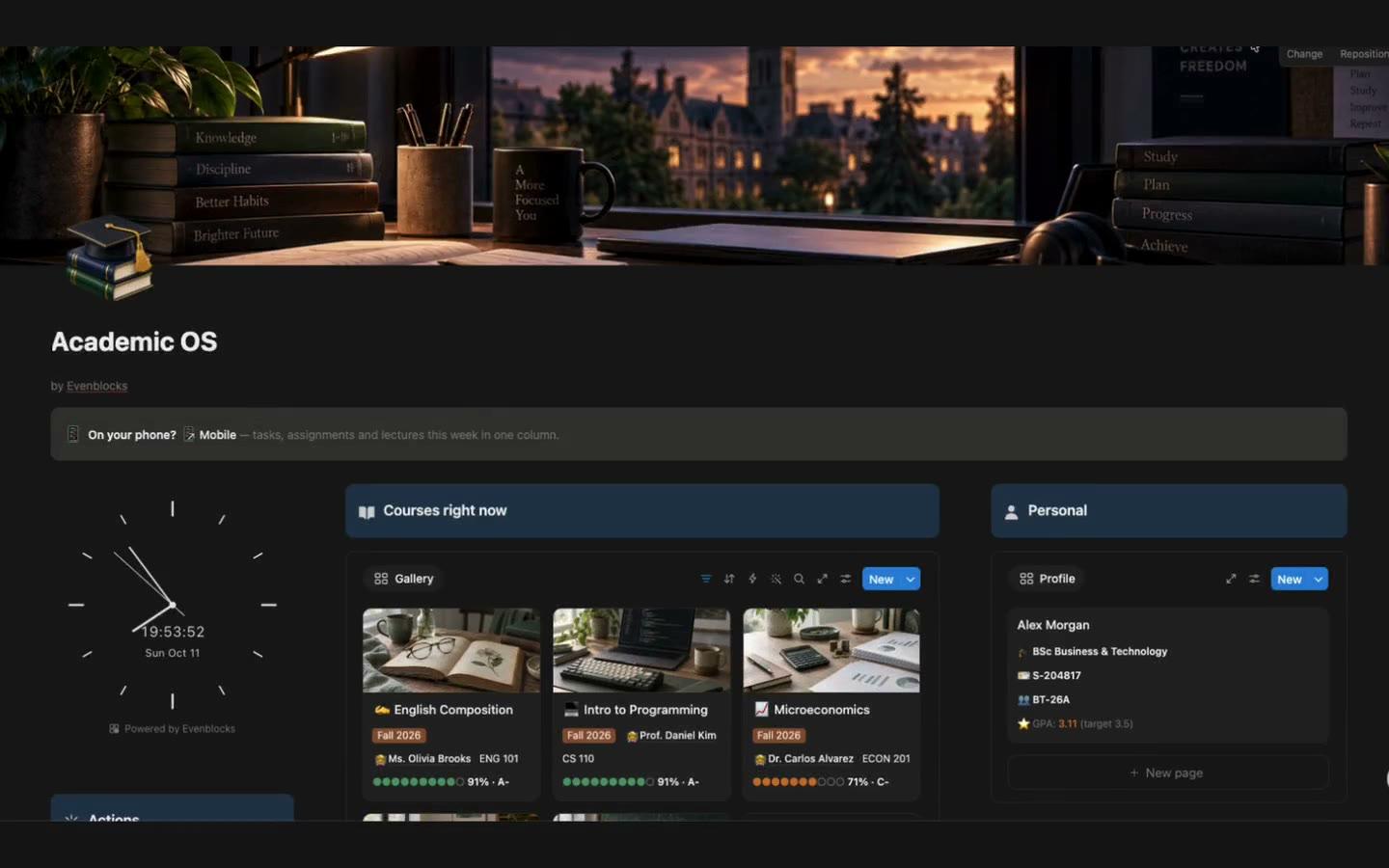
- Instant accessYour template link arrives right after purchase.
- Works with NotionThe free Notion plan is enough.
- Mobile friendlyA one-column phone page in every template.
- Easy to startStep-by-step PDF guide included.
- Lifetime updatesEvery improvement, free forever.
LOVED BY OUR COMMUNITY
Better organized.Better every day.
From busy students to ambitious creators — discover how people use Evenblocks to bring clarity to their everyday lives.

I bought it mainly for the assignments view, but ended up using the weekly tasks more than I expected. It helps to have everything in one place.

I mostly use it to keep track of everyday spending. The overview is easy to check.

The habit section is simple enough that updating it doesn't feel like another task.

My bookmarks were scattered everywhere. Keeping resources with their notes makes them easier to find.

The idea bank is what I use most. It's nice having somewhere to put ideas before they're ready.

I like keeping recipe notes in the same place as the meals I'm planning.
Adding my regular routine took a little time. Logging workouts afterward has been easy.

I'd been using Notion on and off without a clear structure. This made it easier to organize my courses and keep track of deadlines.

The budget section is what I come back to most. I adjusted the categories to fit my expenses.

It works well on both my laptop and phone. I was pleasantly surprised by how usable it is on mobile.

I changed the content categories to fit my usual topics. Setup was fairly straightforward.

Took a weekend to set up properly. After that, I could focus on using it.

The key takeaways are useful when I don't want to reread a whole resource.

The recipe box is handy for the meals I make regularly and don't want to search for again.
I don't track every body measurement. The workout history is the main thing I need.

I wanted one place for my assignments and lecture information. This keeps them organized without making things complicated.

I mainly wanted to track income and expenses without building my own Notion setup.

I mainly use it for deadlines and weekly planning. Having both in the same place makes it easier to see what needs attention.

I don't use every section yet. The ideas and posting calendar are enough for now.

The course pages are probably what I use most. It's convenient to keep notes and assignments together.

I don't track everything, but the weekly tasks and habits are useful together.

I was already using Notion for notes, but the pages had become difficult to navigate.

I mainly use it on Sundays to plan a few meals and check the ingredients.
The next-target section gives me something concrete to check before a session.

I used to write deadlines in different places. Keeping them together has made planning less messy.

The sample entries helped me understand the setup before adding my own numbers.

The sample entries made it easier to understand the workflow before adding my own content.

The weekly overview helps when several assignments are due around the same time.

Being able to see goals next to everyday work helps me remember what I'm working toward.

I don't save everything anymore. This gives me a clearer place for the notes I want to keep.
The phone page is useful when I'm checking my shopping list in the store.
I wanted a training log without building one from scratch. This was a useful starting point.

I had to adjust a few things at first. Now the setup fits my routine pretty well.

I like seeing my wallets together instead of switching between separate pages.

The pipeline helps me avoid confusing a half-written draft with something ready to publish.

My old Notion pages had become a bit scattered. This gave me a more consistent way to organize them.
I use it for home tasks as much as personal goals. Both fit comfortably in the setup.
It's easier to plan study time when I can see the upcoming deadlines together.
It took some time to move my old notes over. Finding them afterward has been easier.
I added notes about substitutions so I can remember what worked the last time.
The weekly schedule helps me plan training around work rather than decide each day.

I like having a separate place for each course while still being able to see the overall workload.

Clean layout, especially for something with quite a few numbers to keep track of.

I mostly use it on my laptop, with the phone page for adding ideas during the day.

I spent less time changing the design than I usually do with Notion. I could start adding my work pretty quickly.

I mainly wanted a weekly overview. The project section turned out to be helpful too.
The layout feels organized without needing a complicated tagging setup.
It took a little attention to get the recipe ingredients organized properly.
I like being able to look back at a lift without searching through old messages.

Having a clear overview makes a busy week feel a little more manageable.

I wanted a manual tracker and this fits. Entering expenses is pretty simple once it's set up.

The calendar is clear enough that I can review the week quickly.

I added my reading lists to the course pages. It's nice to have them close to the notes instead of in another app.

It needed a little customizing at first. Now it's a natural part of my weekly planning.

I use it to plan the next few days rather than the whole semester. That approach works better for me.

I removed some example topics and kept the ones that matched what I'm learning.
Planning meals feels less scattered now. I can see the recipes and the week together.
The layout is clean enough to check between sets without getting distracted.

It's useful for reviewing the month rather than trying to remember every purchase.

I use the results section for a monthly review rather than checking it every day.

The assignment overview is helpful during exam season. I can see what needs finishing before switching to revision.

It's easier to break a goal into tasks when both are already in the same system.

The design is calm enough that I don't feel the need to keep tweaking it. I mostly just add my work now.
I wanted a starting point for organizing knowledge. This gave me enough structure to begin.
I added a few quick meals for busy evenings. They're easy to find when I need them.
I simplified my setup and left out the measurements. The training log still works well for me.

I mostly use the spending overview. It's clear enough that I actually look at it regularly.

I appreciate being able to keep the setup simple. I haven't needed to use every page to find it useful.

I can see which posts still need work before deciding what to focus on next.

I use it alongside my usual calendar. The calendar handles reminders, and this keeps the course details organized.

The weekly task view is the part I use most. It gives my week some structure.

The topic structure took a little thought at first, but it's been easy to maintain.

I wanted to see upcoming posts together. The calendar makes that easier.
I mostly wanted a weekly meal plan. The grocery list turned out to be just as useful.
I like having the weekly schedule beside the training details.

The weekly task view has been the most useful part for me. I'm much less likely to forget the smaller assignments now.

I removed a few things I didn't need. The remaining setup fits my routine well.

The layout is clean and easy to customize. I mostly use it to keep my courses, notes, and deadlines together.

The grocery list helps me check what I need before heading to the store.

I used to keep bill dates in random notes. It's easier having them in one place.

I kept the setup simple with just a few topics. That works better for me than lots of categories.

I used to plan posts in scattered notes. This keeps the drafts and dates together.
Keeping my personal records together makes them easier to find than scattered gym notes.

Simple and practical, with enough structure to stay organized without feeling overwhelming.

I check it in the morning to decide what actually needs doing that day.

It took me an evening to add my courses and assignments. After that, updating it became part of my routine.
I changed a few recipe details to match how I cook. The setup was easy to adapt.

I changed a few sections to match how I study. The basic structure was a useful starting point.

The savings goals give me something concrete to check at the end of the month.

Having projects and resources together helps me keep useful information close to the work.

Having a place for brand deals helps me keep those details separate from regular posts.
I use my phone at the gym and review the bigger picture on my laptop.

The sample content made the setup easier to understand. Once I got the idea, I replaced it with my own.

The layout gives me enough structure without making the whole week feel overplanned.

The sample recipes helped me understand the structure before adding my own.

I wanted something I could maintain without spending ages organizing it. So far, this has been manageable.

I don't use every section. Just tracking spending and upcoming bills has been worthwhile.

The sample content showed me how the different parts fit together.

It's useful for spotting gaps in the calendar while there's still time to plan something.
It's easier to stay consistent with logging when the exercise entries are already organized.

Keeping lecture notes next to the course information is a small thing, but it's useful.

I changed some labels to match how I plan. It was easy to make it feel familiar.
I kept the meal plan fairly simple. There's no need to fill every day to get value from it.

I prefer simple layouts, so I removed a couple of sections. The rest works well for me.

My old spreadsheet was getting messy. This feels easier to navigate for everyday tracking.

I use the desktop version for adding notes and my phone for quick checks during the day.

The inbox is probably my favorite part. I can add something without interrupting what I'm doing.

I simplified a few sections, but the overall structure suits how I work.
I mostly use the routines and exercise log. The other sections are there when I need them.

Some weeks I use it more than others. It's easy enough to pick up again when things get busy.
Some weeks are busier than others. I like that I can keep the planning light when needed.
The calendar helps me fit cooking around busier days of the week.

It's been useful for the smaller tasks I tend to forget, especially reading and follow-up work.

I added my regular bills first. That gave me a useful place to start.
I use the topics to separate work notes from personal interests. Simple, but helpful.

It took some time to enter my existing posts. The overview was much more useful after that.
The progress section is useful for a monthly check rather than something I update constantly.

I'm still finding the best way to organize my notes, but the course and deadline sections already work well for me.

Clean and practical. I spend more time checking my tasks than rearranging the pages.
The grocery list is the part I check most often after planning the week.

I like checking off the smaller tasks as I go. It makes it easier to see what I still need to finish.

Having a separate place for savings goals keeps them from getting lost among everyday expenses.

It's easier to prepare for a lecture when my previous notes are already in the same course page.

Project progress gives me a reason to return to the notes rather than just store them.

I added my own notes for each post. There's room for the details I usually need.
Recording the previous session helps me decide what to aim for next time.

The phone page is handy for checking tasks without opening the full desktop layout.
I don't use the macro details much, but it's useful to have the option.

I sometimes forget to update it, but when I do, the week feels much more organized.

The mobile page works well for quickly adding something while I'm out.

I needed a place for deadlines, links, and quick notes. Keeping those together has been convenient.

Some notes stay in the inbox for a while, but at least I know where they are.

It gives me a sensible place to start when I have ideas but no clear publishing plan.
Having the personal records in one place is handy when I review my training.
I started with just tasks and added habits later. There was no need to set up everything at once.

I added a few extra properties for my own courses. The existing structure gave me something sensible to work from.
It's helpful for turning a collection of recipes into a plan I can actually use.

The examples were helpful, though I spent some time deciding which sections to keep. My setup is fairly simple now.

Getting it set up the way I wanted took a little time. Once that was done, keeping it updated was easy. I don't use every section, but that works for me.

Adding my wallets took a little time. Having the balances together has been useful since then.

Moving posts through the pipeline gives me a clearer picture of what's actually ready.

Adding my usual recipes took some time, but planning the next week is easier now.
I mainly use it to record sets and weights. Looking back at previous sessions is straightforward.

I removed a few widgets I didn't need and adjusted the setup for my semester. The changes were straightforward.

I like connecting what I learn to the projects where I might actually use it.

I tried putting together my own system before, but never finished it. Having this ready to work with saved me a lot of time.
The exercise log is useful when I can't remember what weight I used last time.

Simple enough to update after a purchase. That makes it easier to keep using consistently.

I wanted somewhere to put goals and the smaller steps behind them. This helped me organize both.

The results section is useful when I sit down to review what I've published.

I don't plan every meal. Just organizing dinners has been useful enough.

It helped me get my semester organized right from the beginning.

It's convenient to capture a quick note and decide where it belongs afterward.

I like that the layout leaves enough room for my own notes. It doesn't feel too rigid.
I adjusted the routine to match my usual exercises. Most of the structure already worked for me.

Nothing overly complicated here. I open it, check what's due, and get on with my work.

I changed a few category names, but kept most of the original structure.

My planning used to be scattered across several notes. Having one overview feels calmer.

I like planning a few posts ahead without needing to fill out the whole month.

Having the week laid out makes it easier to avoid deciding on dinner at the last minute.

I don't use all the features yet. Just the courses and task views are enough for my current semester.
I changed the topic names and added a few of my own. The rest stayed mostly as it was.
The sample workouts helped me understand how to enter my own routine.

It looks clean, but there's still enough space to add the details I need.

It takes some discipline to enter transactions, but the layout itself is straightforward.

I added a few personal projects and kept the daily task list fairly short.

I keep rough ideas here first, then add more detail when I'm ready to work on them.
I like being able to keep macro information with a recipe when I need it.

I mostly check it at the beginning of the week. It gives me a clearer idea of what's coming up.

I mostly use it for reading notes and ideas. The projects section is a useful extra.
I keep short notes about each workout so I can remember how the session felt.

Adding new assignments is straightforward. That matters more to me than having lots of extra features.

I check the monthly budget once a week. It helps me notice things I'd usually overlook.

There was a little learning curve because I'm fairly new to Notion. The examples helped me get started.

The sample version helped me understand the flow. I switched to my own information afterward.

Keeping engagement results beside the content is more convenient than using another spreadsheet.
My saved recipes used to be spread across different apps. It's convenient having them together.

The layout makes sense without needing much explanation. I knew where to put most things.

I like writing a short takeaway beside a saved resource instead of collecting links with no context.
It took a few workouts to get comfortable with the setup, but the process feels familiar now.

I keep my setup fairly minimal. A few course pages and a weekly task list are all I really need.

The income section is handy when payments arrive on different dates.

The habits are useful as a record, even on weeks when I'm not particularly consistent.

I like having upcoming posts and unfinished ideas in the same workspace.
I use it to plan a couple of repeat meals and leave some days open.

The structure is easy to adjust as the semester goes on. I've added a few things without needing to rebuild everything.

It's useful for revisiting ideas I would otherwise forget after a few days.
I changed a few exercise names to match what I call them at the gym.

The first setup needed some attention, especially entering all my deadlines. After that, there wasn't much to maintain.

I simplified the categories a bit. Now updating it only takes me a few minutes.

I kept most of the original layout and only changed a few labels. There wasn't much I needed to adjust.

I keep a few ongoing projects here and review them on Sundays.

Brand deal information used to get buried in other notes. It's easier to keep track of here.
I like having somewhere to save recipes I've actually cooked, along with my own notes.

I can check a saved note on my phone without digging through lots of pages.
I keep separate routines for different training days. It's easy to find the one I need.

I had a basic task list before. Adding the course structure made it easier to understand what each task belonged to.

Setup needed a little attention, but I haven't had to change much since.

It took a couple of days to settle into using it. The weekly view is now the first thing I check.

I like having somewhere to put the small things that don't belong in a work planner.

The layout is tidy without feeling like a huge management system.
The layout is straightforward enough that I don't spend ages maintaining it.

Keeping goals alongside projects helps me see why I'm collecting certain resources.

My notes are easier to find now, especially when I'm looking back at an earlier lecture.
I like that the schedule and workout history are together. It makes reviewing the week easier.

It gives me a clear place to put new assignments as they come in. That alone has made my routine less scattered.

A clean, well-organized system. Everything has its own place.

I wanted a clearer picture of where my money goes. The spending categories help with that.

I like keeping personal projects alongside everyday tasks. Less jumping between different pages.

I mainly use the notes inbox. It's a useful place for things I want to sort later.
More for every part of life
Knowledge, content, meals and training — each one its own calm system.



Bundles
Templates that work well together, for less.
All 7 templates
That's about $14 per template. You save $161.94.
 Finance
 Academic
 Life Planner
 Second Brain
 Content Planner
 Meal Planner
 Fitness
$257.93$95.99one-time
How it works
- 01
Pick and pay
Choose a template or a bundle and pay once with card, Apple Pay or PayPal.
- 02
Get your links
Your email arrives instantly with both versions and a short PDF guide.
- 03
Duplicate into Notion
Press Duplicate and the template is yours — start fresh or explore the sample data.
Questions
Do I need a paid Notion plan?
No. Every template works on the free Notion plan, on desktop, web and the Notion mobile app.
Does it work on my phone?
Yes. Every template has its own Mobile page — one column with the buttons and lists you use every day, made for the Notion app on iPhone and Android. The full dashboard is there whenever you open it on a laptop.
How do I get my template after paying?
Right after checkout you get an email with your template links and a PDF guide. Open a link and press Duplicate — the template is copied into your own Notion workspace in seconds.
What are the two versions?
Start fresh is a completely empty copy ready for your own data. Sample data is a filled-in demo, so you can see every block working before you start.
Is it a one-time payment?
Yes. You pay once and keep the template forever — no subscription. Future improvements are free.
Which payment methods can I use?
All major cards, Apple Pay, Google Pay and PayPal through Shopify's secure checkout. Prices are shown in euro in Europe and in US dollars everywhere else.